01
Set up your vault
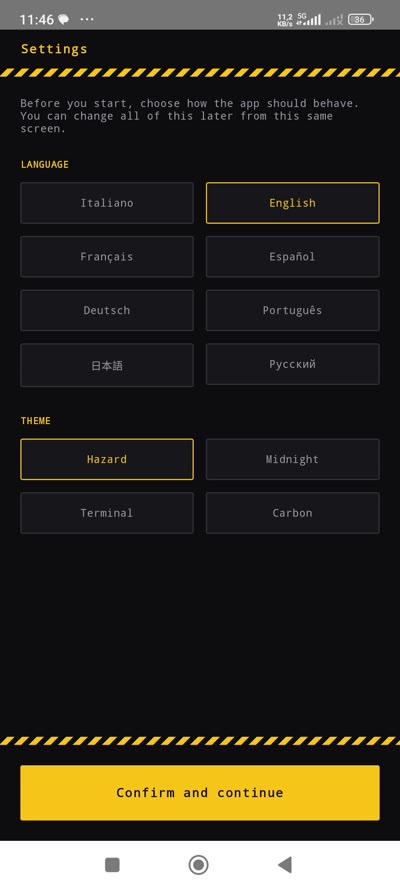
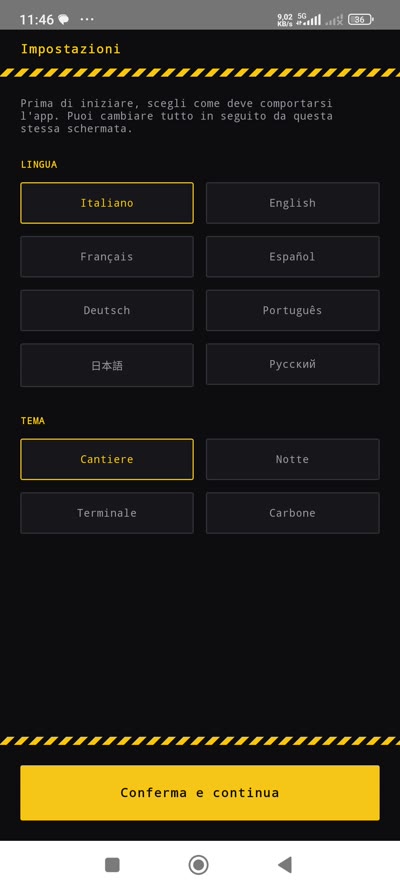
First launch takes 30 seconds. Pick your language, choose a theme, and you're in.
- Choose your language — the page changes instantly
- Pick a visual theme (Hazard, Midnight, Terminal, Carbon)
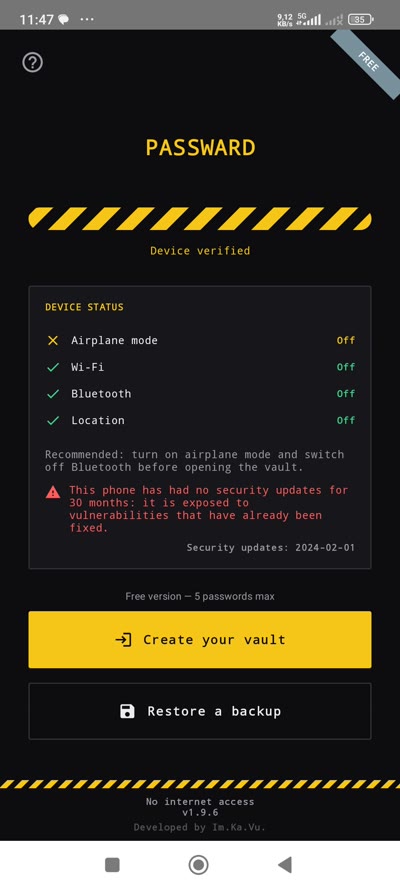
- Create your master password and save your 12 recovery words
02
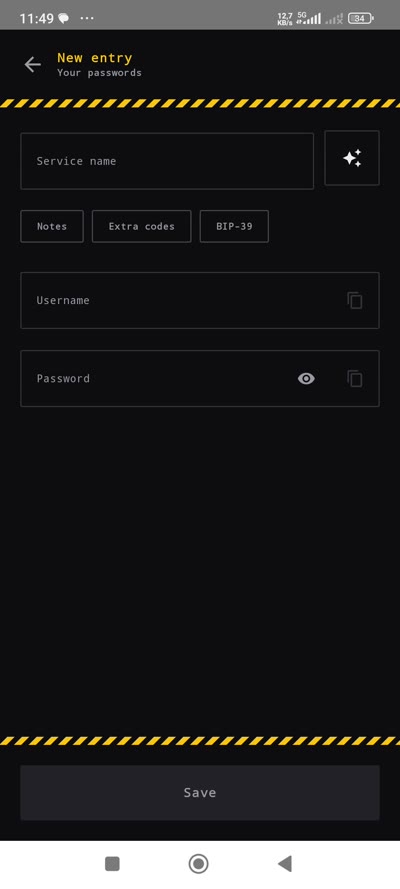
Add your first password
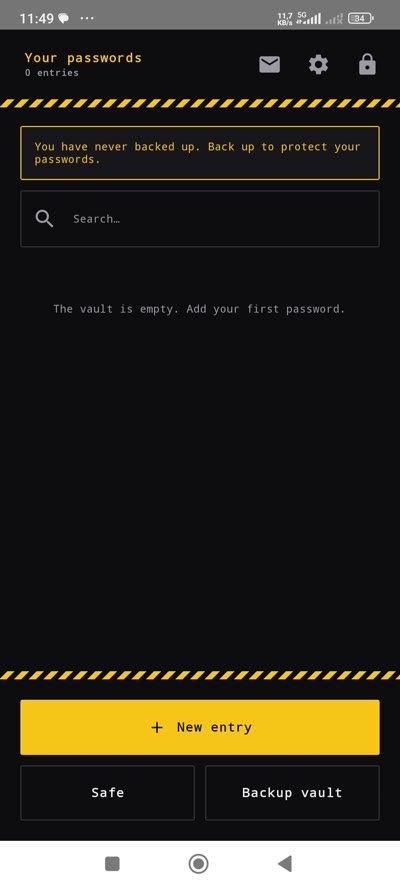
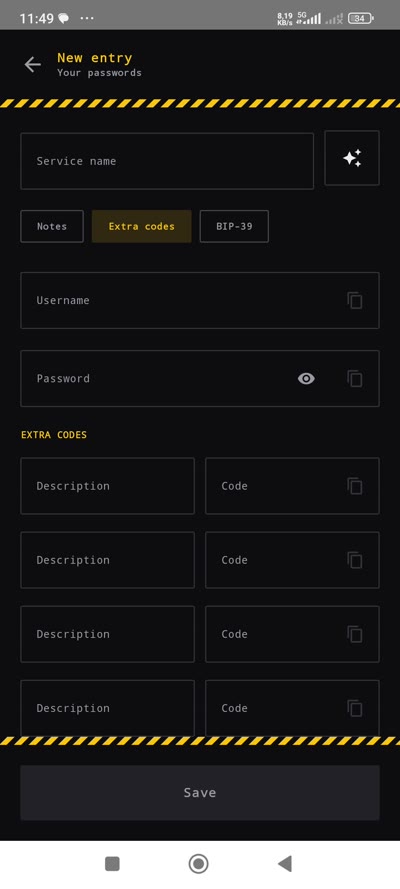
Tap "New entry", fill in the fields, save. Each entry can hold notes, extra codes, and even BIP-39 seed phrases.
- Tap + New entry from the vault list
- Enter service name, username, and password
- Add extra codes, notes, or BIP-39 words if needed
03
The separate safe
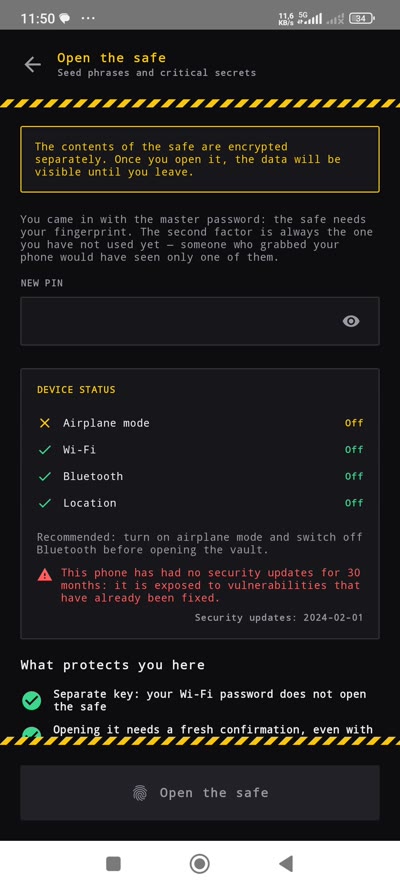
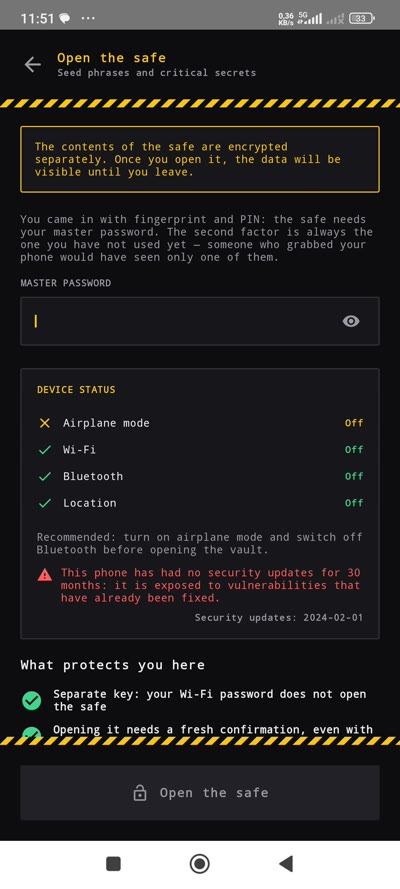
Your most critical secrets — seed phrases, recovery codes — live in a vault within the vault. It requires a different authentication factor than the one you used to get in.
- Entered with fingerprint? The safe needs your master password
- Entered with password? The safe needs your fingerprint or a PIN
- Device status check ensures maximum security posture